

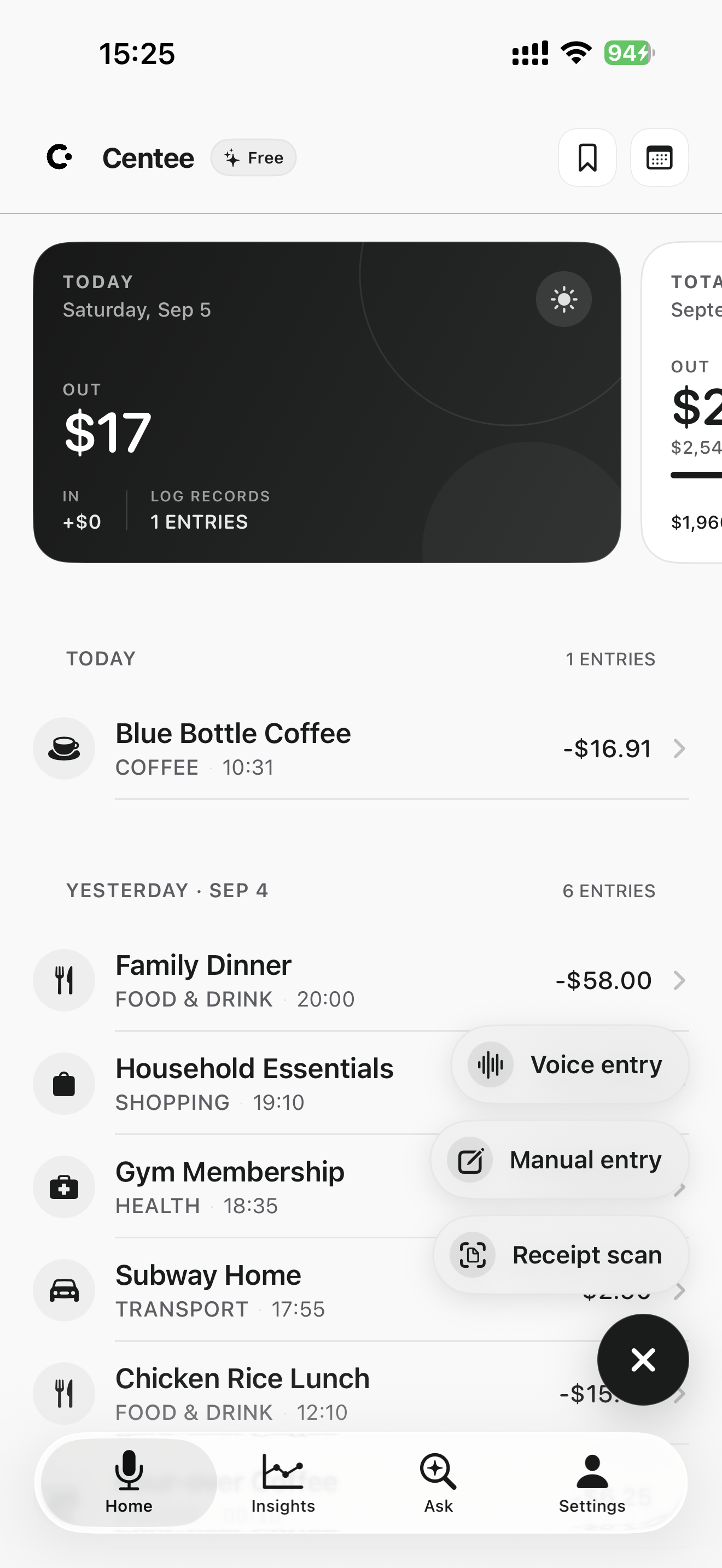
MINIMAL BY DESIGN
Keep the context. Lose the friction.
A purchase can be easy to remember for only a few seconds. Back Tap gives you a fast physical shortcut to start a Centee record from whatever screen you are using, so the detail gets captured while the moment is still clear.
Use the gesture that fits the moment. Start a full record when you want to keep the context, or capture the amount first when that is all you need.
HOW IT WORKS
From moment to a record you understand.
- 01
Choose Centee in Back Tap settings
In iPhone Accessibility settings, assign the Centee capture action to Double Tap and Triple Tap on the back of your phone.
- 02
Double tap or triple tap after a purchase
Double tap to open a fresh Centee record, or triple tap to enter the amount before the details disappear from memory.
- 03
Review it before saving
Check the expense details, then review the suggested record before you save it.
WHAT STAYS SIMPLE
Built around the way you actually spend.
- Start an expense record without hunting for the app icon.
- Choose double tap for a new record or triple tap for direct amount entry.
- Keep the final record in your control by reviewing it before saving.
COMMON QUESTIONS
A few useful answers.
Where do I set up Back Tap on iPhone?
Open Settings, then go to Accessibility, Touch, and Back Tap. Choose Double Tap or Triple Tap and select the Centee capture action when it is available in your shortcuts or actions list.
Does Back Tap record an expense automatically?
Back Tap is a quick way to begin a Centee record. Use the gesture to open a new record or enter an amount directly, then review the details before saving.
Do I need to link a bank account?
No. Centee does not require bank linking to create and manage personal expense records.
START SIMPLY